Tutorial
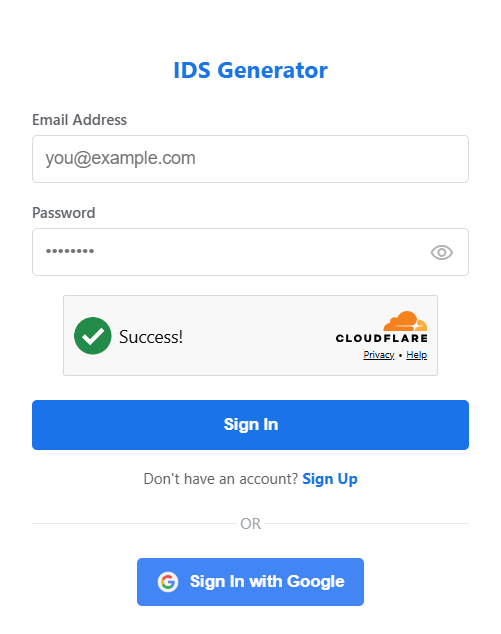
To begin, access the IDS Generator platform by signing in to your existing account or creating a new profile to initiate your automated workflow.
Your Workspace
Upon authentication, you'll be directed to your primary workspace.
Entering data for an IDS
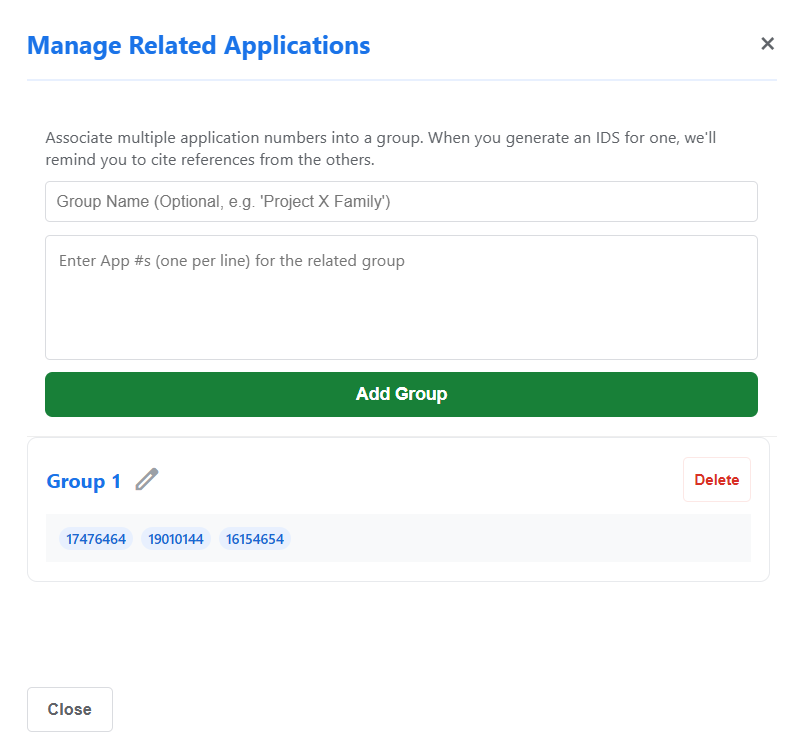
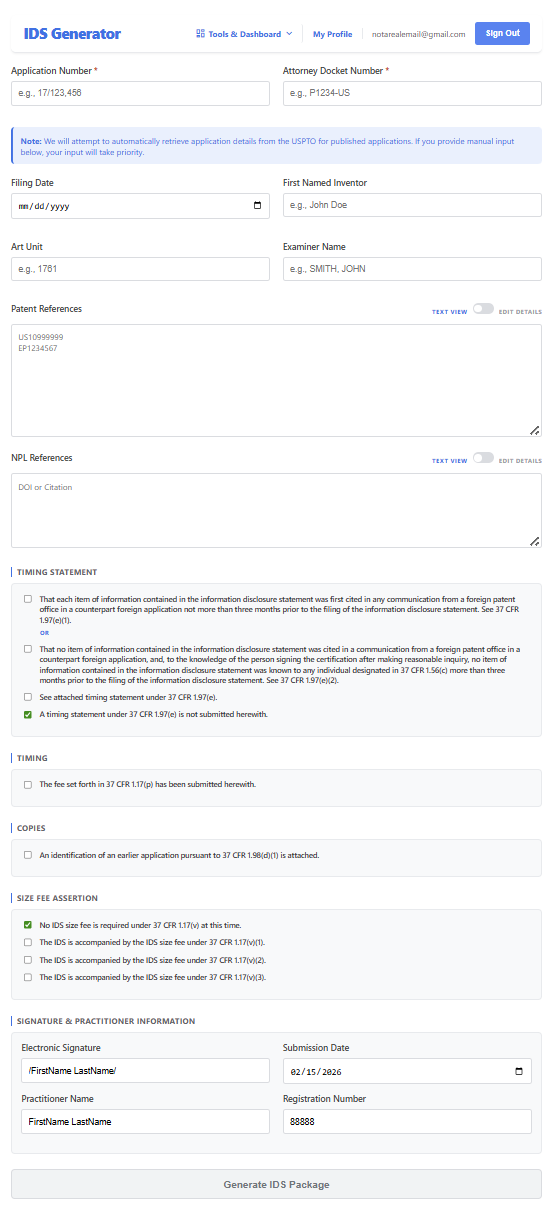
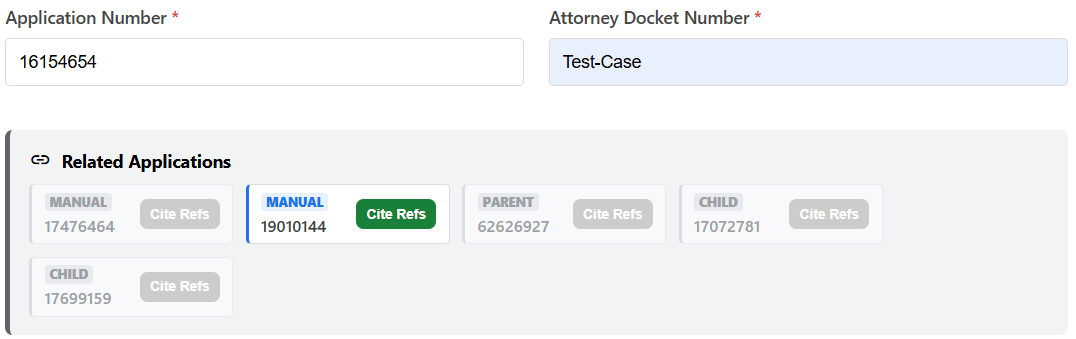
Begin by providing the application number and the docket number. The system dynamically detects and visualizes related applications. Related applications that are greyed out are not in the system.
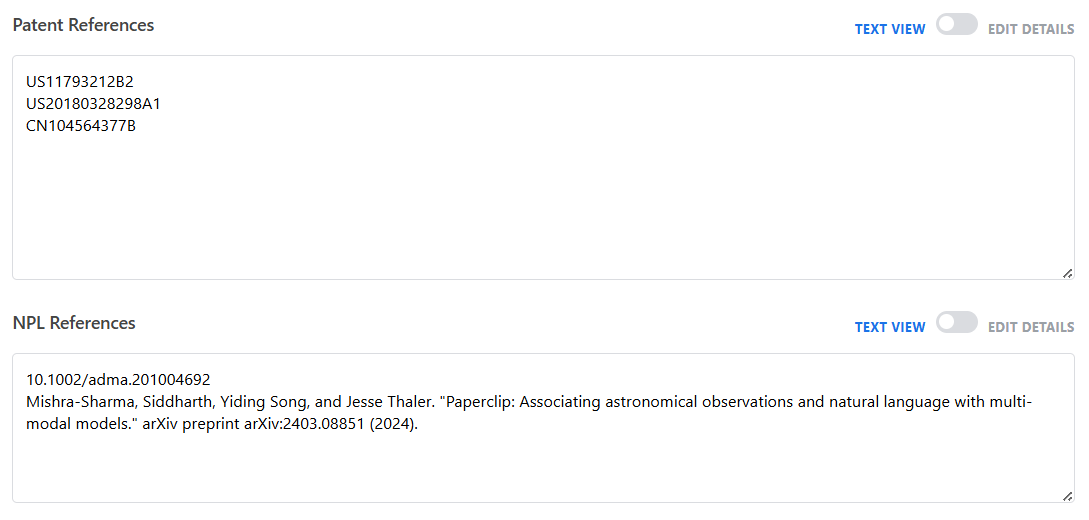
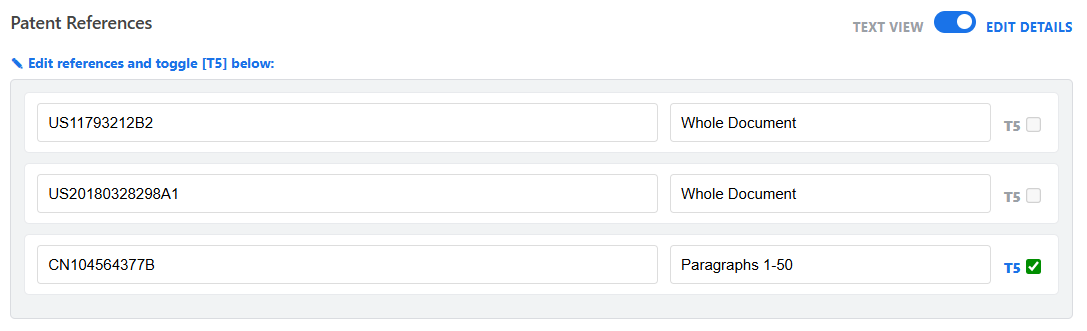
Next, input references you want to add to the IDS.
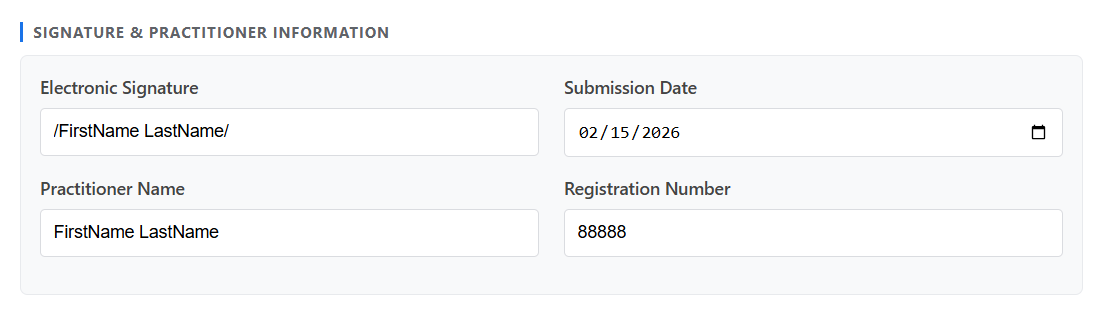
Sign your IDS. If you are not a practitioner registered with the USPTO, you should leave the Registration Number field blank.
Automated Validation & Compilation
Review your inputs and click "Generate IDS Package" button to begin the generation process.

The system performs validation against official patent databases and will alert you if there are any issues.


Your Completed IDS Package
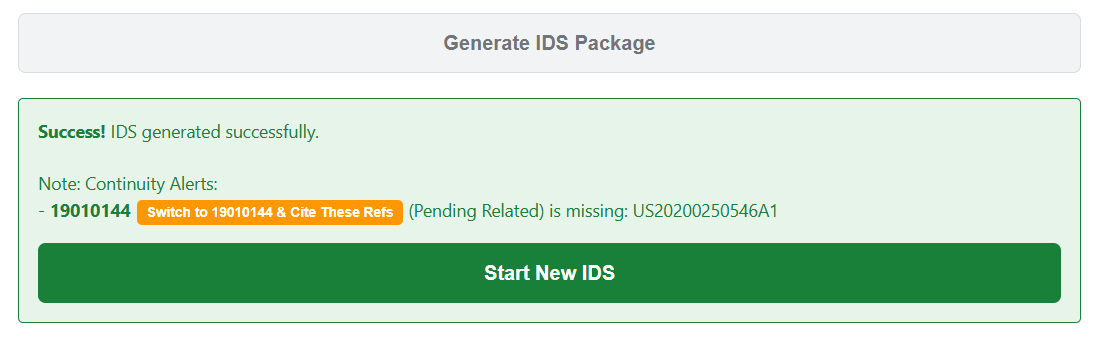
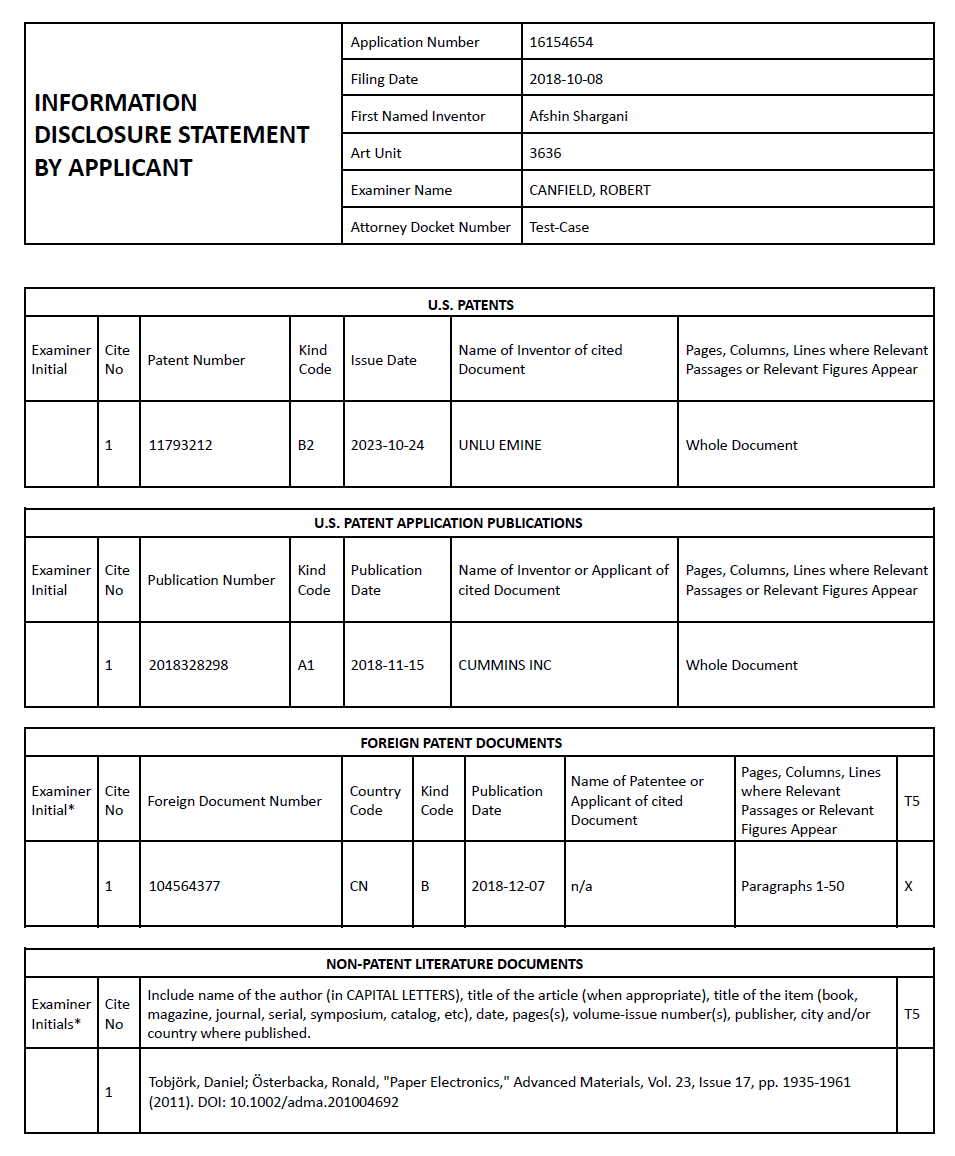
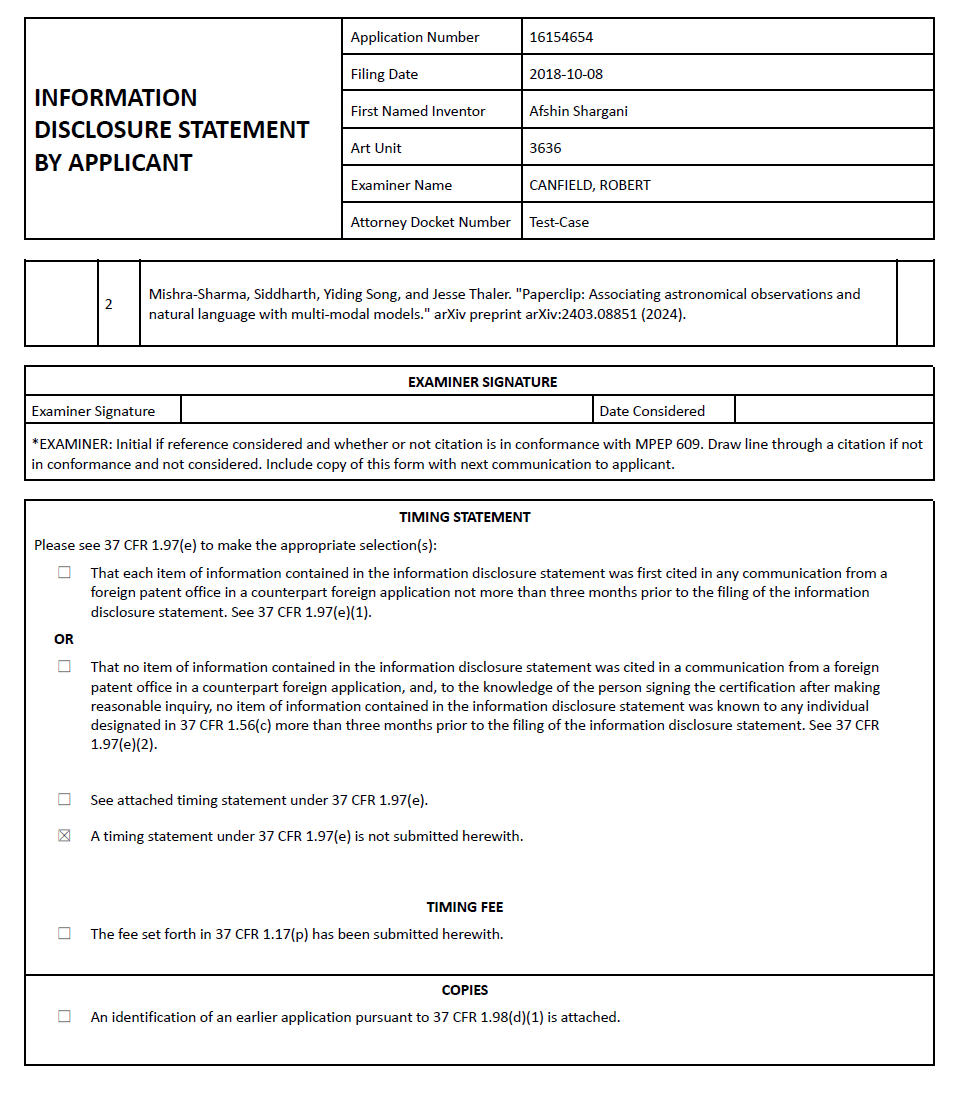
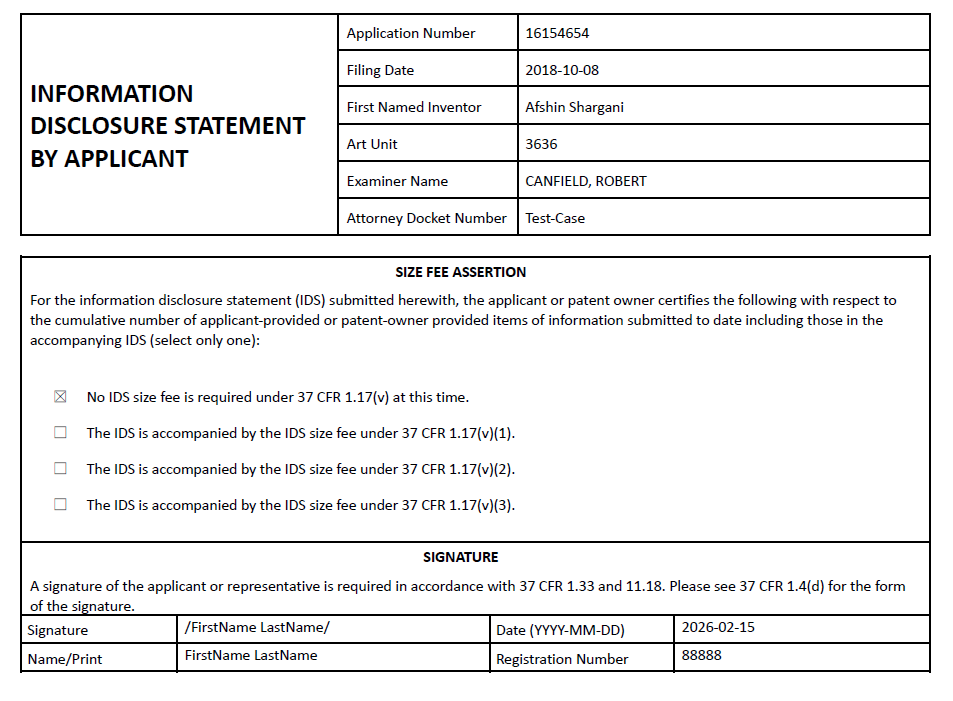
The system will download the IDS package to your browser. The system will prompt you to generate an IDS for related applications if they are pending.

Credit & Account Management
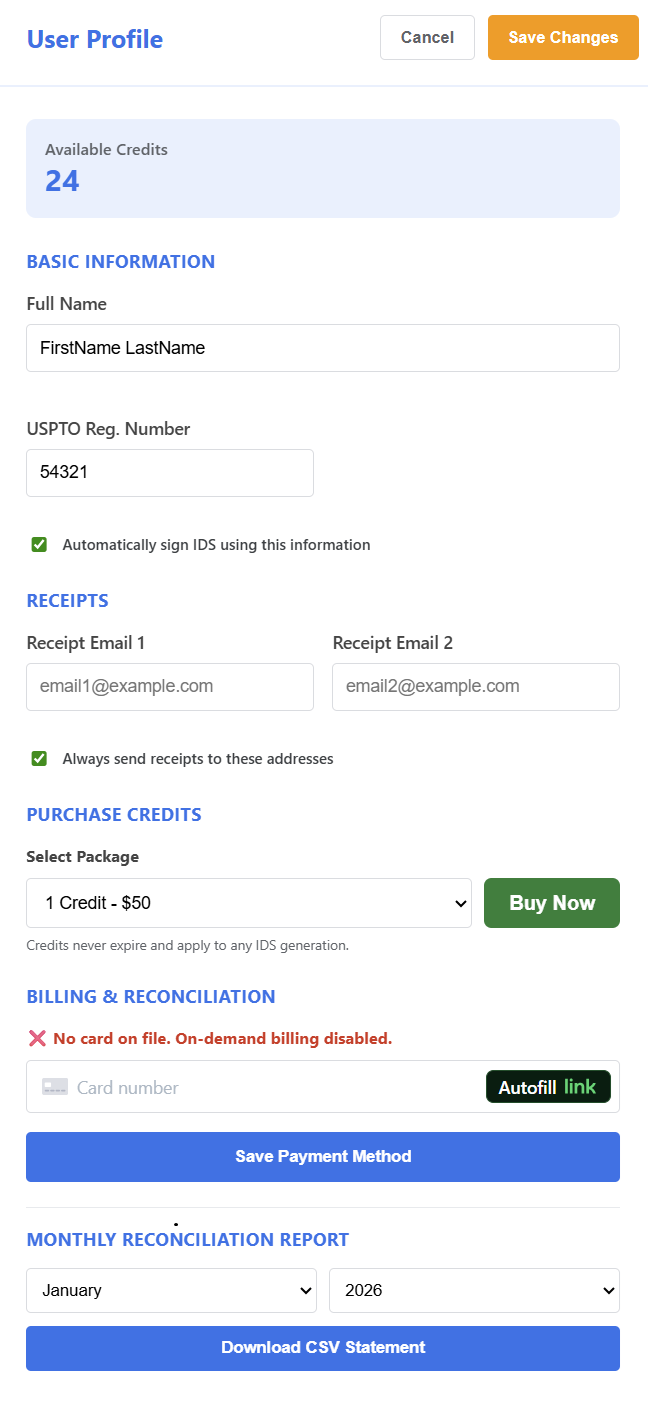
IDS generation is managed through a secure credit-based system. Navigate to "My Profile" to review your balance, select a preferred credit package, and finalize your transaction.
Advanced Management Tools
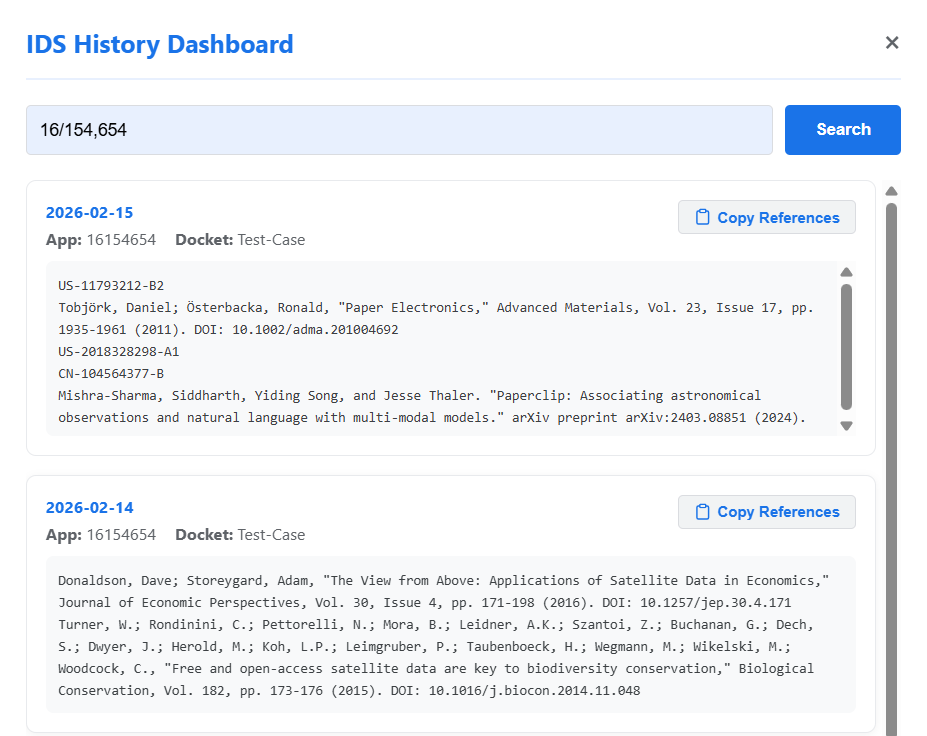
Access specialized tools to streamline your reference management and historical audits: